Home
About Us
Practitioners
Partners
Communities
Programmes
GovTech ICT&SS Professional
Other ICT&SS Professional
Applications Management
Artificial Intelligence
CIO
Cloud Infrastructure
Cybersecurity
Data Engineering
Design
Digital Governance
GIROC
Others
Product Management
Smart Systems
Software Engineering
Schedule
Alumni
Success Stories
Events
FAQs
Home
About Us
Practitioners
Partners
Communities
Programmes
GovTech ICT&SS Professional
Other ICT&SS Professional
Applications Management
Artificial Intelligence
CIO
Cloud Infrastructure
Cybersecurity
Data Engineering
Design
Digital Governance
GIROC
Others
Product Management
Smart Systems
Software Engineering
Schedule
Alumni
Success Stories
Events
FAQs
Home
/
Programme
ServiceNow Administration Fundamentals (SNAF)
Overview
Programme Structure
Fees & Schedule
Register
ServiceNow Administration Fundamentals (SNAF)
Register
Enquiry
Programme Code
D316
Domain
Cloud Infrastructure
Level
Foundation
Learning Partner(s)
NTUC LearningHub
Duration
3 Days
Format
Online
Rating
Job Roles
ICT&SS Professional
Instructors
Jason Nichols
Certified ServiceNow Instructor
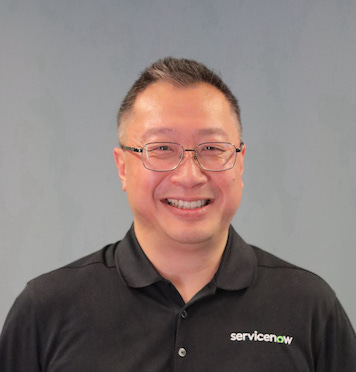
Kevin Wong
Certified ServiceNow Instructor
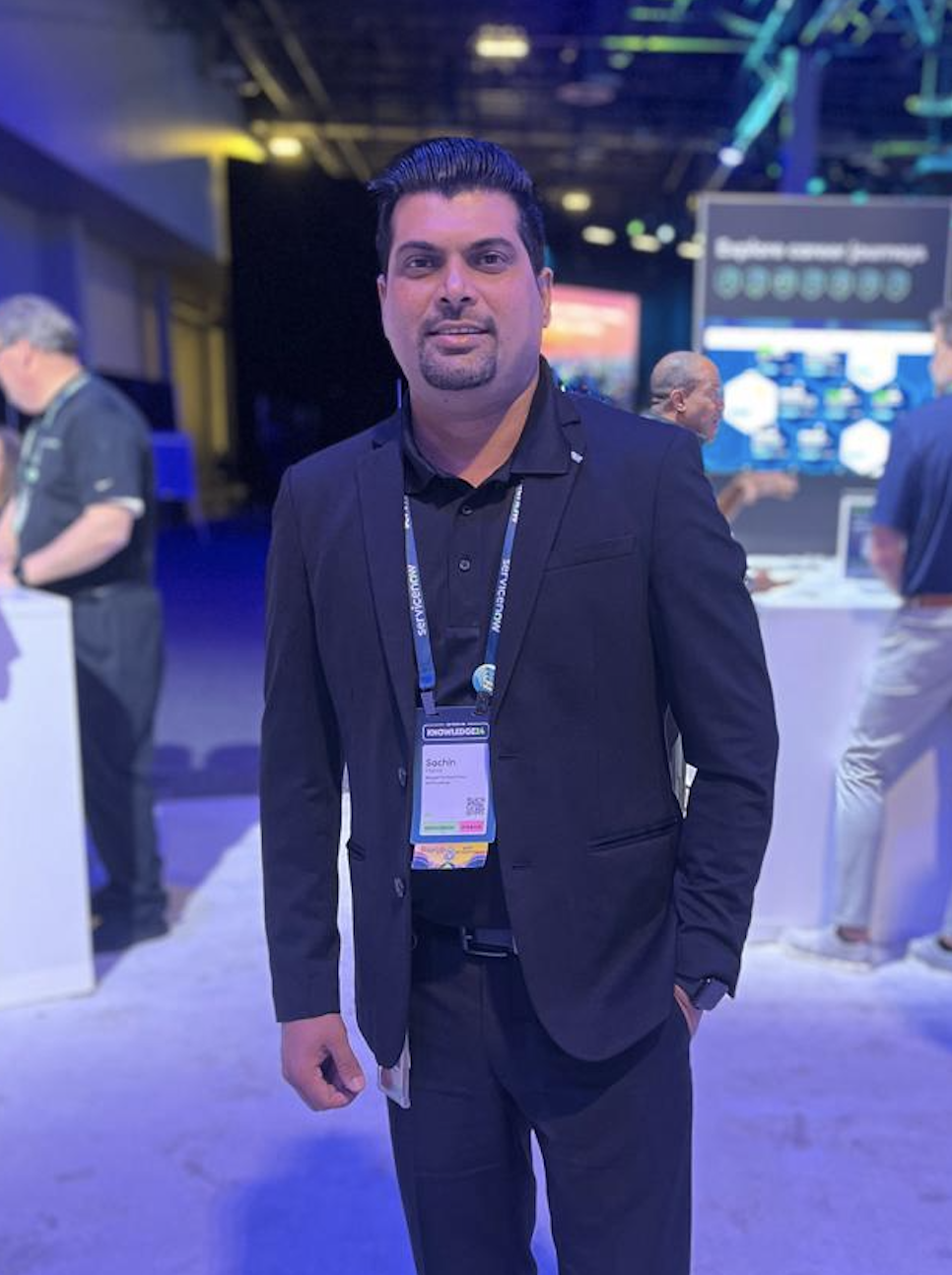
Sachin Kumar Mishra
Certified ServiceNow Instructor
Sheal Savel
Certified ServiceNow Instructor
Anjali Malik
Certified ServiceNow Instructor
Paramjeet Kaur Mahl
Certified ServiceNow Instructor
Gaurav Talreja
Certified ServiceNow Instructor
Preethi Murugan
Certified ServiceNow Instructor
Autri Dutta
Certified ServiceNow Instructor
Upcoming Classes
Class 1
27 Jan 2026 to 29 Jan 2026 (Full Time)
Duration:
3 Days
When:
Jan – 27, 28, 29
Time:
9am to 5pm
Please contact us
here
(The_Digital_Academy_Admin@tech.gov.sg)
Class 2
16 Mar 2026 to 18 Mar 2026 (Full Time)
Duration:
3 Days
When:
Mar – 15, 16, 17
Time:
9am to 5pm
Please contact us
here
(The_Digital_Academy_Admin@tech.gov.sg)
Class 3
18 May 2026 to 20 May 2026 (Full Time)
Duration:
3 Days
When:
May – 18, 19, 20
Time:
09:00 am to 05:00 pm
Please contact us
here
(The_Digital_Academy_Admin@tech.gov.sg)
How To Register
×
For GovTech Officers:
Agency-sponsored (apply on Workday here)
Other WOG Officers
Agency-sponsored
Connect with us on